Devices left in drawers or vehicles
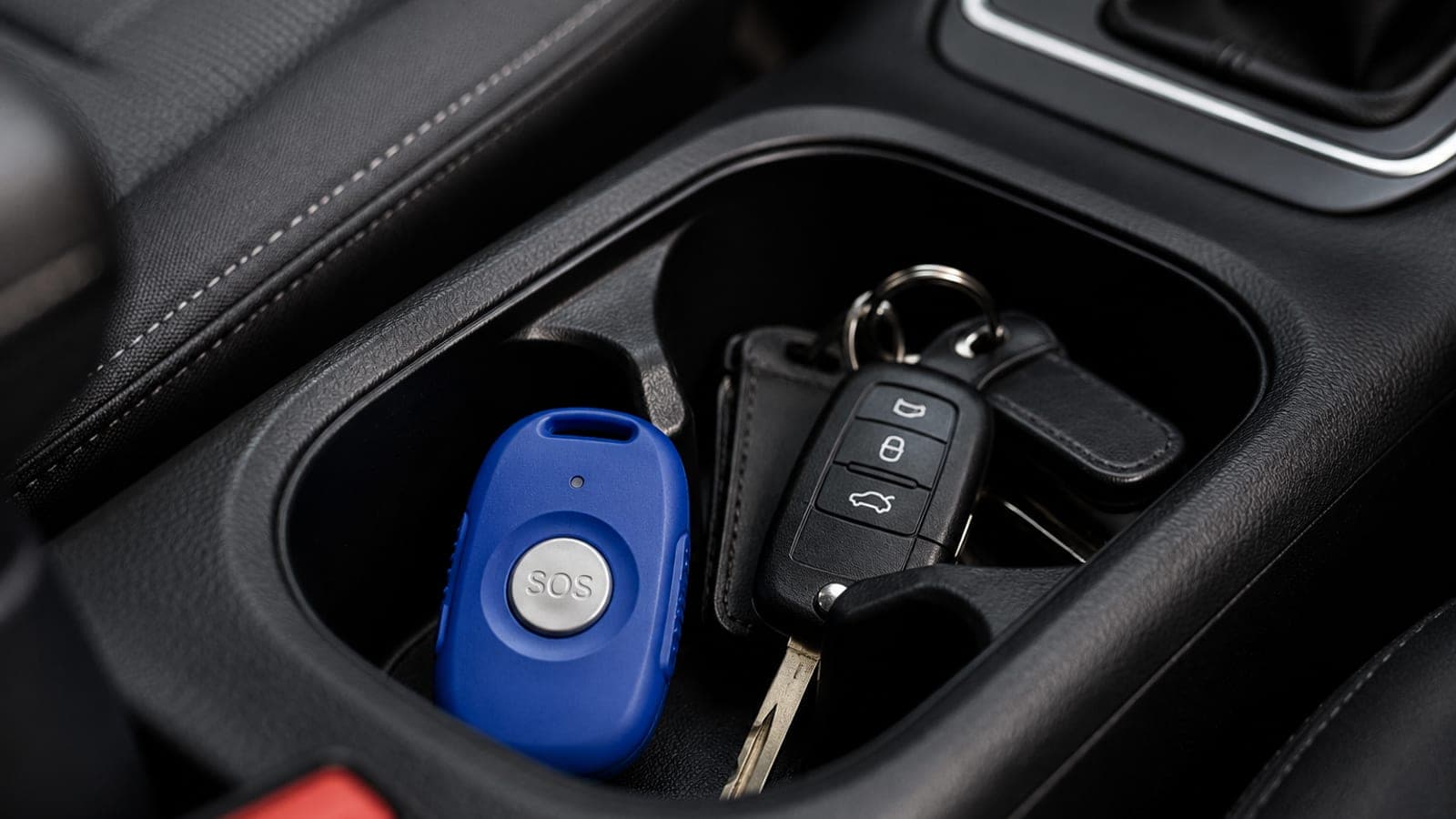
During training we frequently observe that staff understand why a device exists, but have not built the habit of carrying it. A device that remains in a desk, locker or glovebox is not a working control.


Beyond the technology
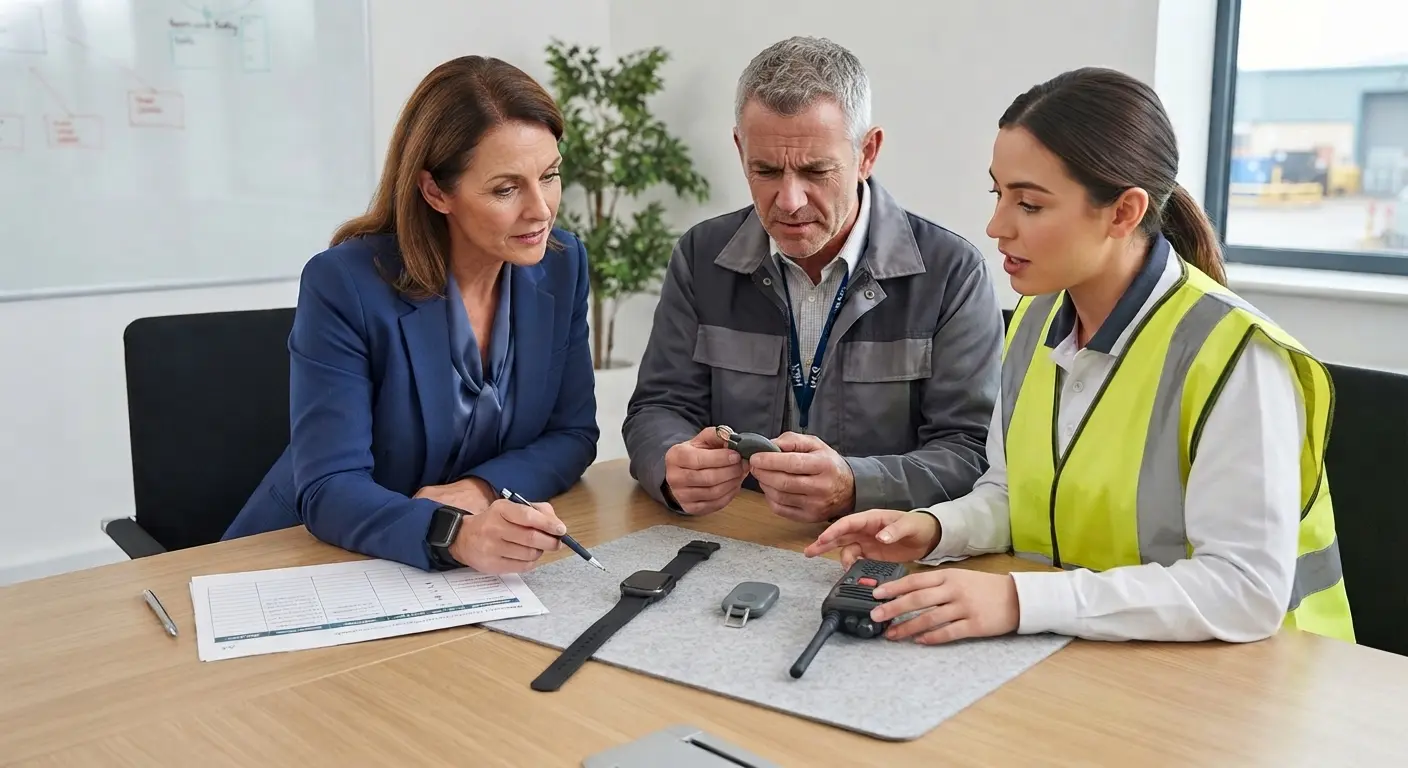
Lone worker devices can raise alerts, share location, open audio, support timed check-ins and connect staff to monitoring centres. They cannot, on their own, make staff carry them, keep them charged, remember passwords, use the right feature or decide to withdraw from an unsafe situation.
The real control measure is the complete system: risk assessment, device selection, configuration, training, practice, management review and organisational permission to act early. That is the difference between issued equipment and usable protection.
All three must be present for the system to control risk.
SST implementation framework
Many organisations treat device roll-out as the end of the project. In practice, roll-out is only the point at which the safety system starts to be tested by real behaviour.
Assess the role, environment, travel pattern, public contact and foreseeable escalation points.
Choose technology against the risk, not against a generic feature list.
Configure users, contacts, escalation instructions, GPS permissions and monitoring arrangements.
Train staff using realistic scenarios, not only supplier demonstrations.
Practise activation, cancellation, check-in, Stay With Me support and post-incident reporting.
Review data, missed tests, false activations, genuine alerts and staff confidence.
Refresh training when roles, systems, procedures or risk patterns change.

Human factors
During training we frequently observe a difference between what managers believe has been implemented and what staff can actually do. Staff may have been issued a device, but still be unsure how to activate it discreetly, what the monitoring centre hears, what happens after an alert or whether they will be criticised for using it too early.
These human factors are not minor details. They determine whether the technology becomes a live safety control or a false assurance.
During training we frequently observe that staff understand why a device exists, but have not built the habit of carrying it. A device that remains in a desk, locker or glovebox is not a working control.
Battery management sounds basic, but it is one of the most common failure points. Charging, software updates, signal checks and app access need to be treated as pre-use checks, not personal preferences.
Many organisations overlook the practical friction caused by infrequently used apps. If staff cannot open the app quickly under pressure, the control is already weakened.
One of the most common mistakes is creating a culture where false activations are seen as embarrassment or failure. That teaches staff to delay until the situation is worse.
A confident member of staff may still be unable to activate the device correctly under pressure. Competence requires repeated practice, scenario context and clear feedback.
GPS, fall detection, check-ins, discreet alarms and Stay With Me support are often presented once during roll-out. Staff need to know which feature fits which situation.
Device types and features
Supplier conversations often start with features. Better implementation starts with the work: where staff go, who they meet, how isolated they are, what signal is available and what response is realistic if something changes.
Dedicated devices
Dedicated devices are often chosen because they are visible, physical and separate from a personal phone. That can help staff who need a clear alarm route during visits, inspections, travel or public-facing work.
The device still depends on implementation. Staff need to know where it is worn, how activation works, what happens after the alert and how false activations are reviewed.
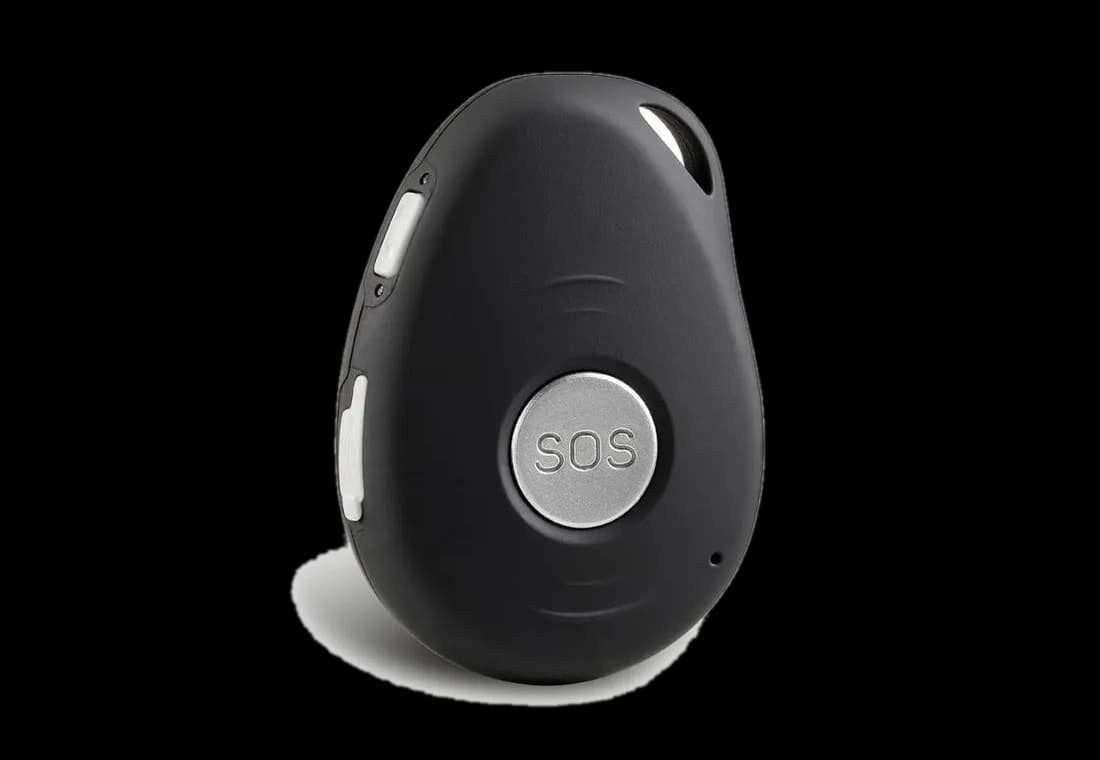
Useful where staff need a physical button, rugged equipment, strong battery life or a clear separation from personal mobile use.
Suitable for many mobile workforces, but only when app access, permissions, signal, battery use and staff confidence are actively managed.
Relevant for public-facing counters, reception areas and roles where open activation may escalate the situation or draw attention.
Important for remote, rural, utilities or infrastructure work where standard mobile coverage may be unreliable or absent.
Useful in fixed locations, but they do not replace arrangements for visits, travel, car parks, lone opening or lone closing.
Can support evidence and deterrence in some roles, but they are not the same as a lone worker response system.

Stay With Me
Stay With Me, virtual buddy or monitored check-in features can be valuable when a worker feels unsafe but is not yet ready to raise a full emergency alarm. The feature can provide a live support presence while they leave an area, approach a visit, wait for transport or reassess what to do next.
The training point is simple: staff must know when to use it, what the other person or monitoring centre will do, and when the situation has moved beyond supported check-in into emergency activation.
Decision-making before activation
A lone worker device is most useful when staff have been trained to recognise changing risk early. The question is not only whether they can press a button. It is whether they can notice deterioration, withdraw, check in, seek support or activate before control is lost.

Escalation pathway
Staff confidence improves when the response process is visible. They need to understand who receives the alert, what information is available, what the monitoring centre or colleague will ask, when emergency services may be contacted and what managers will review afterwards.
What success looks like
Success is not measured by how many devices have been issued. It is measured by whether staff carry them, trust them, use them early and understand what happens next. Managers should be able to see that the control is live in everyday behaviour.
The device is part of normal preparation before visits, travel, lone opening, lone closing or isolated work. Staff know how to check battery, signal, permissions and activation before they need it.
Workers use check-ins, Stay With Me support, withdrawal and alert activation before control is lost. False activations are reviewed constructively so confidence improves rather than reduces.
Managers review adoption, missed check-ins, genuine alerts, false activations, training evidence and role changes. The data leads to better supervision, not just a filed report.
Staff know who receives an alert, what information is visible, what the monitoring centre or colleague will ask and when emergency services or managers may be involved.
Management oversight
Many organisations overlook the management work that sits behind lone worker technology. A device roll-out needs ownership, reporting, audit, refresher training and constructive review of both genuine activations and false activations.
False activations are especially important. They should be used to improve confidence, configuration and practice, not to create embarrassment that discourages staff from using the system. Managers should ask how the device was activated, what the staff member was doing at the time and what learning can be shared so similar activations are minimised in future.
Compliance and evidence
This guidance is not legal advice, but UK employers should be able to show that foreseeable lone working risk has been assessed, controlled, communicated, trained, supervised and reviewed. A supplier contract alone will not usually show that staff are competent or that the system works in practice.
Lone worker arrangements should be linked to the actual role, environment, travel pattern, public contact and escalation route. Technology can support the risk control system, but it does not replace risk assessment, supervision, training, reporting or management review.
A sign-off sheet for device issue is not the same as evidence that staff can use the system under pressure. Better evidence includes practice activation, scenario discussion, understanding of features and manager review.
Near misses, missed check-ins, false activations and genuine alerts all provide useful evidence. The strongest organisations use that evidence to improve configuration, refresh training and clarify safe systems of work.
Staff need explicit permission to check in, use Stay With Me support, withdraw, request support or activate an alert early. If procedures imply that activation is only for the last possible moment, the system will be used too late.
Official sources
Use these links to check current employer duties, lone worker guidance, violence-at-work guidance and worker-monitoring considerations before relying on a device as part of a control system.
Anonymised case studies
The examples below are anonymised and drawn from recurring themes seen in training and implementation discussions. They are included because they show the practical gap between owning technology and using it confidently.
A housing team had issued devices to staff visiting properties alone. During training, several delegates admitted they often left the device in the vehicle because it felt awkward to carry. The practical fix was not another policy reminder. The team built device carrying into the pre-visit routine and practised how to use the device discreetly before approaching a property.
Adoption improves when device use becomes part of normal preparation, not an optional extra.Community staff understood how to raise an alert but did not know what the monitoring centre could hear, what information would be visible or what questions might be asked. That uncertainty created hesitation. Training focused on the response pathway, what to say during activation and how to use supported check-ins before escalation.
Confidence increases when staff understand the whole response process, not only the button.A field-based team relied on a mobile app across rural and isolated sites. Practical discussion showed that staff routinely worked in areas where signal was inconsistent. The organisation reviewed coverage, considered device options for higher-risk locations and changed the pre-work check to include signal and communication planning.
Technology must be tested against the environment where the work actually happens.Managers were concerned about false activations and staff had begun to treat accidental alerts as embarrassing. The training reframed false activations as useful learning: Was the device carried correctly? Was the activation method too sensitive? Did the staff member know how to cancel and explain the alert?
A constructive review culture protects early activation and improves system design.Sector examples
A housing officer, community nurse, utilities engineer and charity outreach worker may all be described as lone workers. Their device arrangements should not be identical. The risk, signal, escalation route, professional boundaries and practical working pattern all matter.
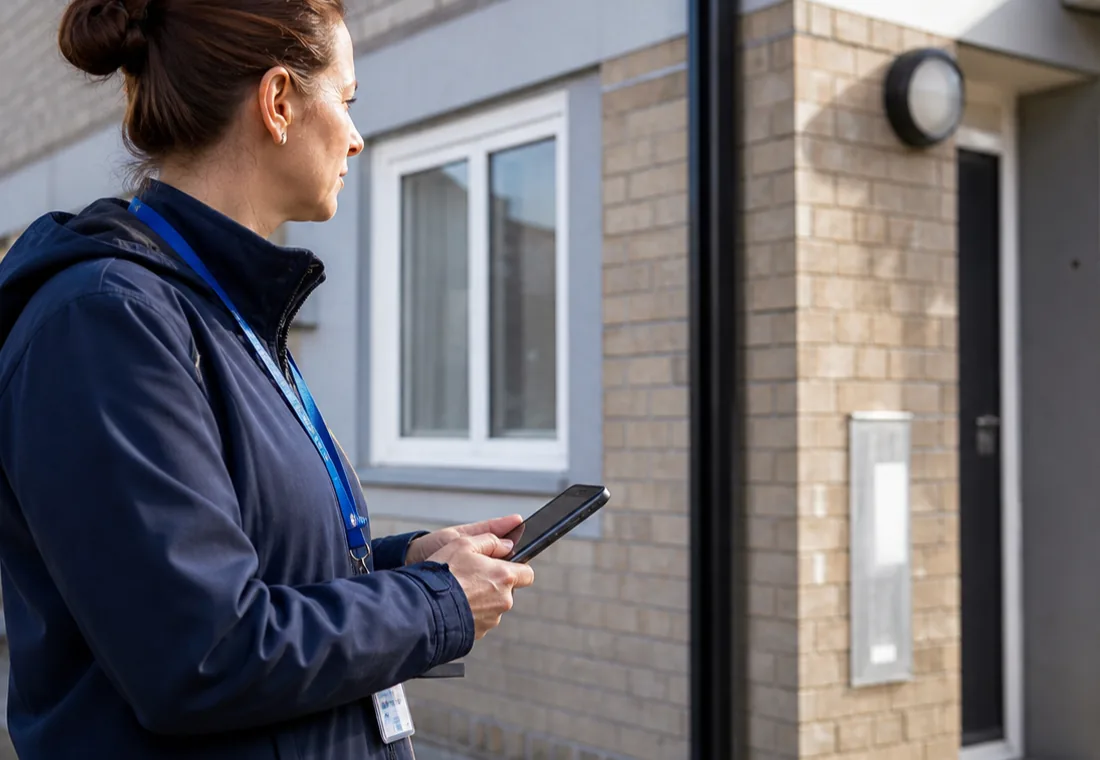
Housing officers may attend addresses where ASB, arrears, safeguarding, dogs, substance misuse or neighbour disputes are present. Device training should cover pre-visit planning, doorstep assessment, withdrawal and early support.
View sector guidance
Community nurses, mental health workers and outreach staff need arrangements that fit clinical priorities, lone travel, evening visits and emotionally heightened situations.
View sector guidance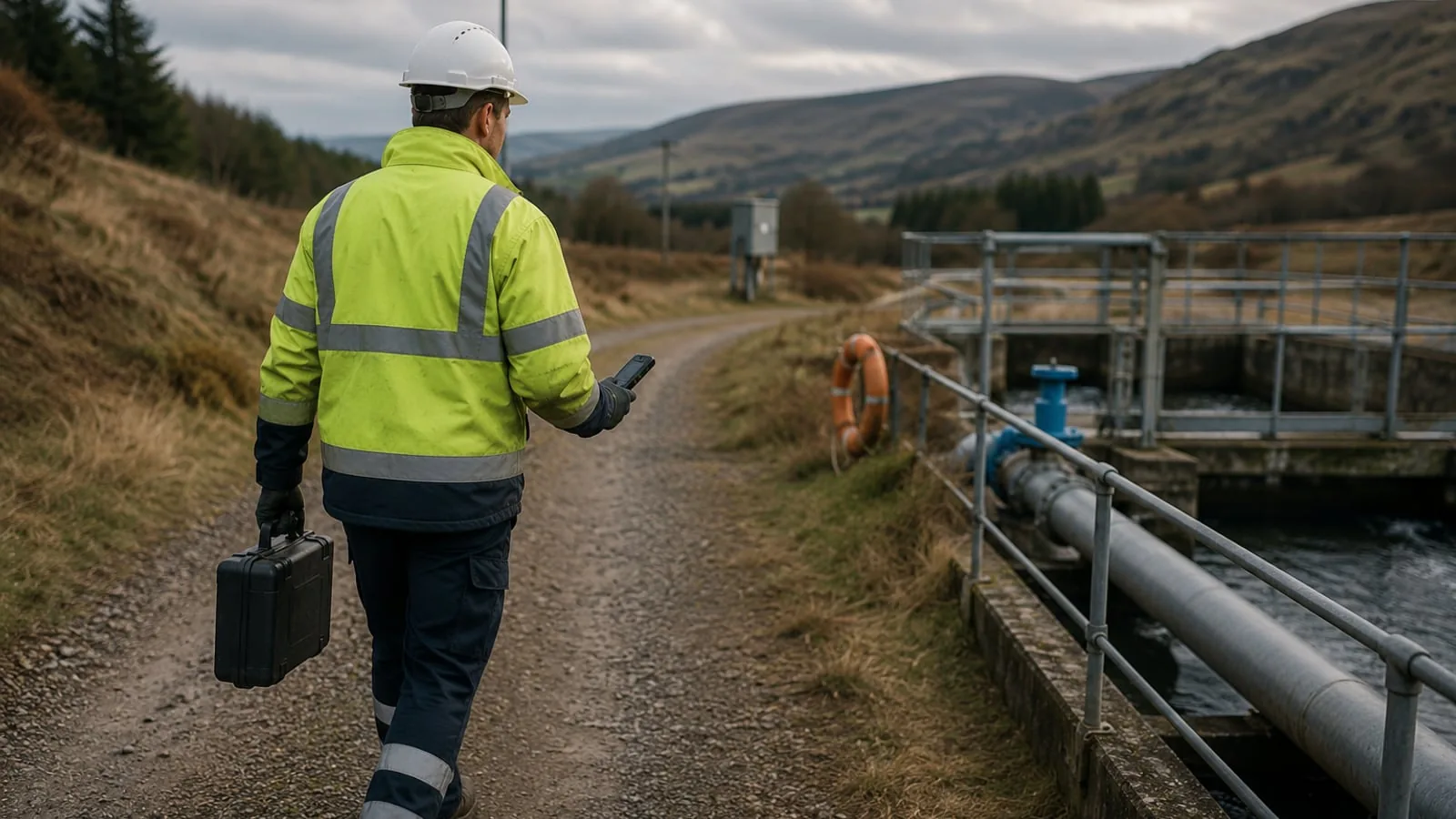
Engineers and inspection staff may work alone around remote sites, service yards, infrastructure, dogs, difficult terrain or poor signal areas. Coverage and satellite options need proper testing.
View sector guidance
Support workers often balance compassion with personal safety. Training should help staff recognise when professional boundaries, check-ins and withdrawal are necessary.
View sector guidanceDownloadable tools
The toolkit turns the guidance on this page into practical checks and discussion prompts. It is designed for internal review, supervisor briefings, training needs analysis and refresher planning.
Supporting resource map
This page is the main reference point. The links below connect readers to supporting guidance, live course pages, sector pages and priority topic areas for deeper resources.
Discuss your requirements
Contact our team to discuss your training needs, review course options, or request a clear, no-obligation proposal.
Practical recommendationNo obligationUK-wide delivery